Five looks, one click
Whiteboard, chalkboard, blueprint, notebook paper or kraft. Try them on scene 4.
A free Claude skill. Attach a PDF, PowerPoint or notes in a chat and get back a narrated MP4 with captions, ready to post.
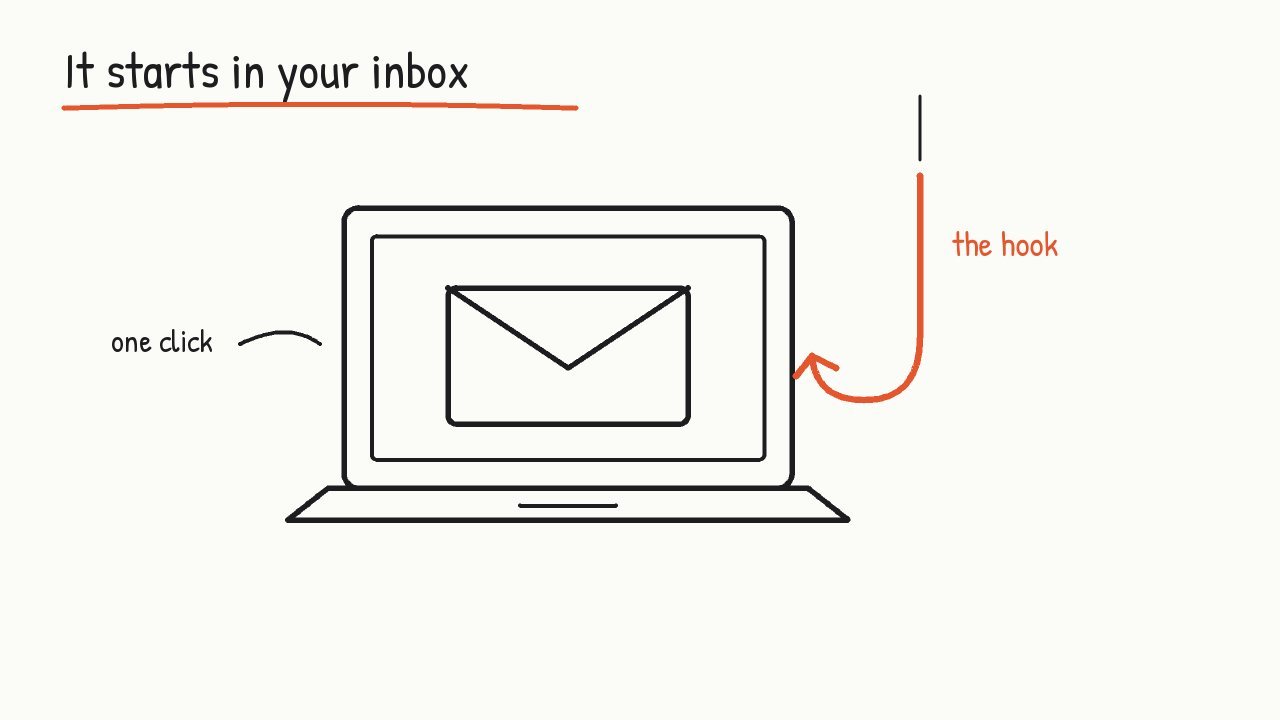
Most break-ins at small companies don't start with clever hacking. They start with an email. Someone clicks a link that looks like it came from the bank, types in a password, and the attacker walks straight in.
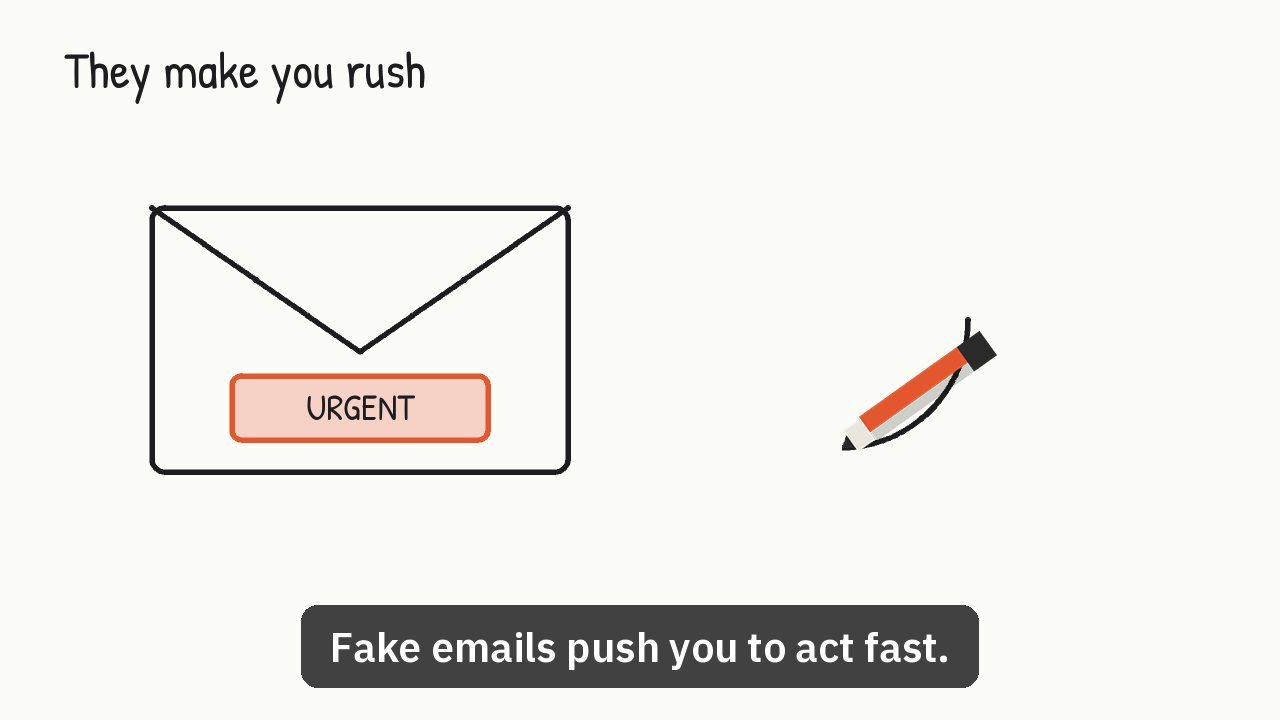
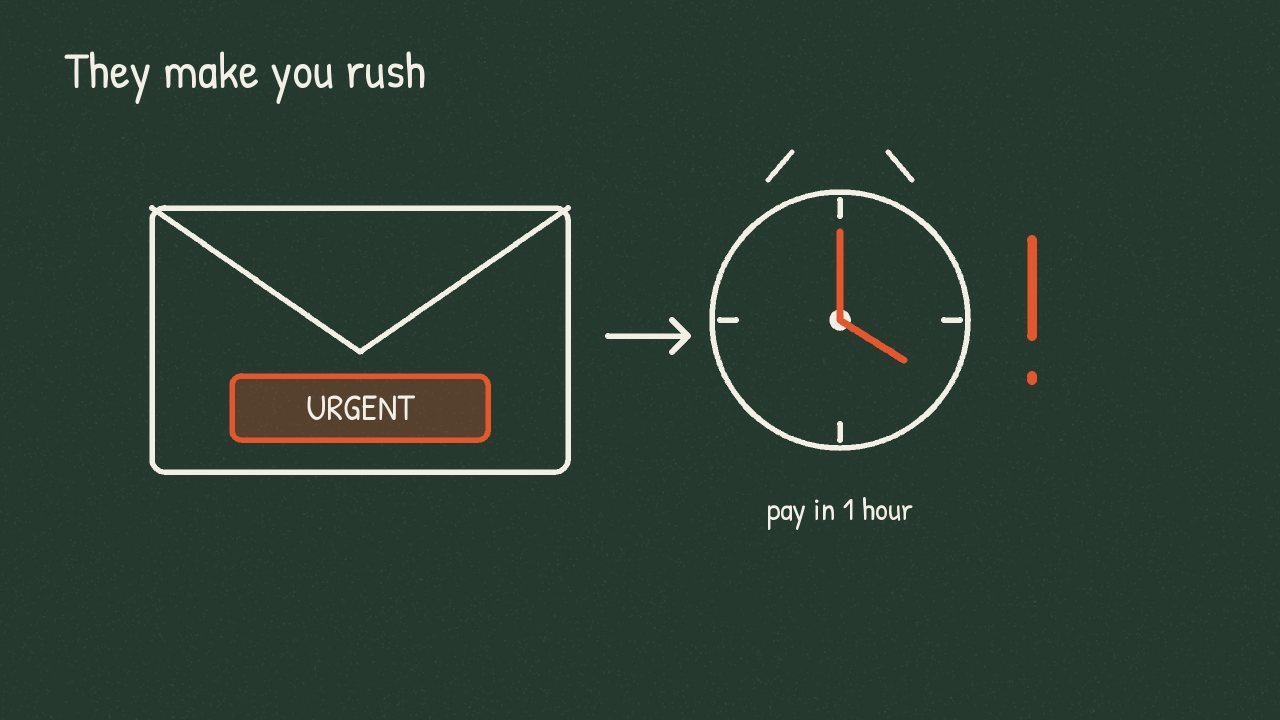
Fake emails push you to act fast. Your account closes today. The invoice is overdue. The boss needs gift cards within the hour. That pressure is the trick, because people who rush don't stop to check.
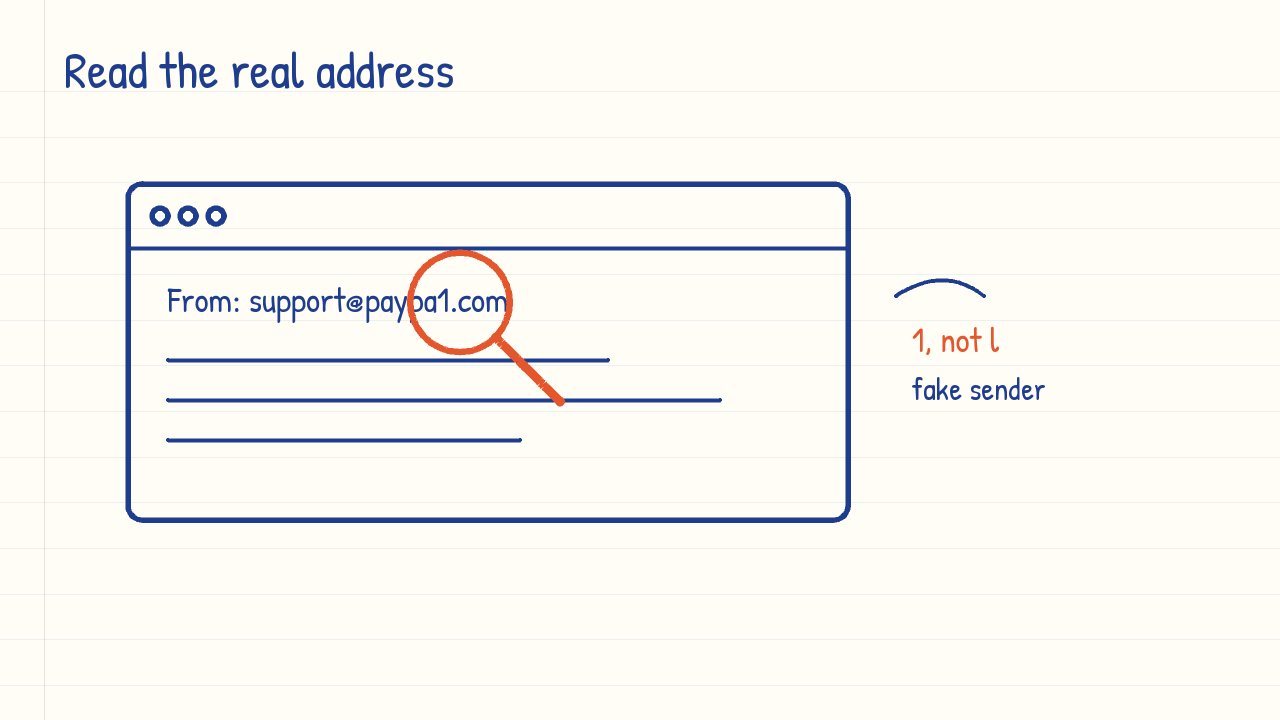
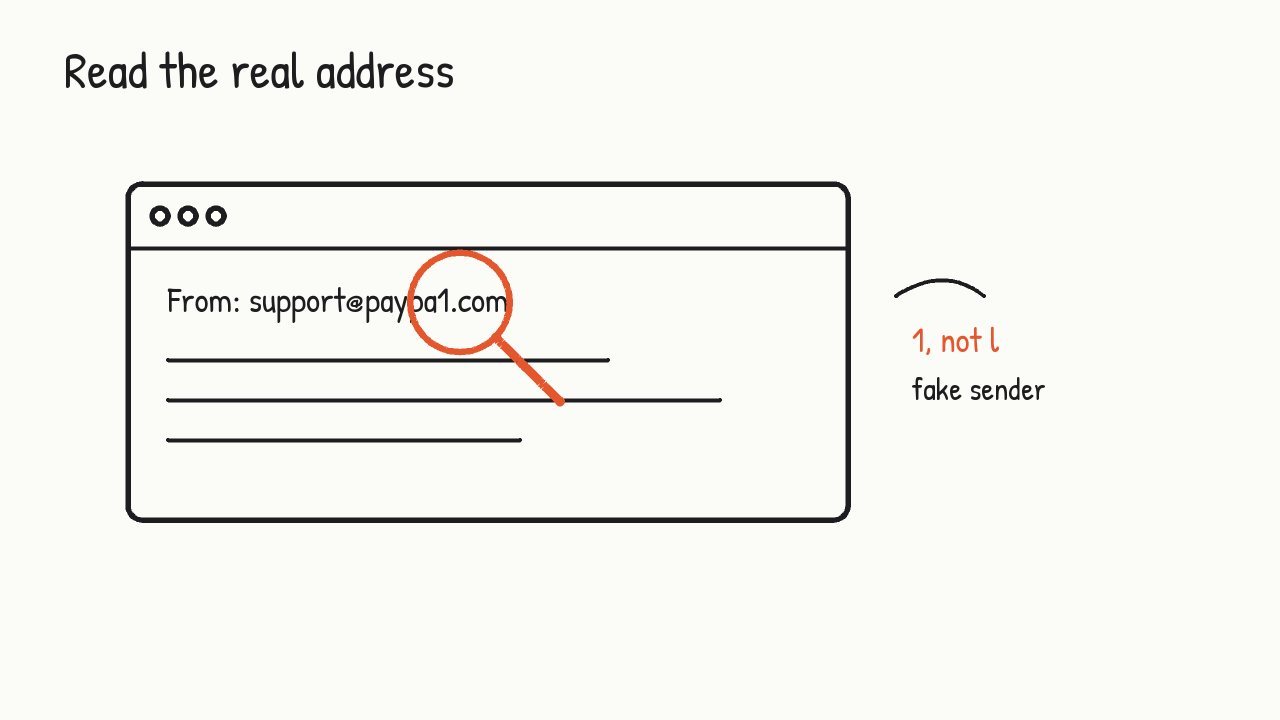
Look at the sender's full email address, not just the name. Scammers use addresses that look right at a glance, like paypa1 with the number one instead of the letter L.
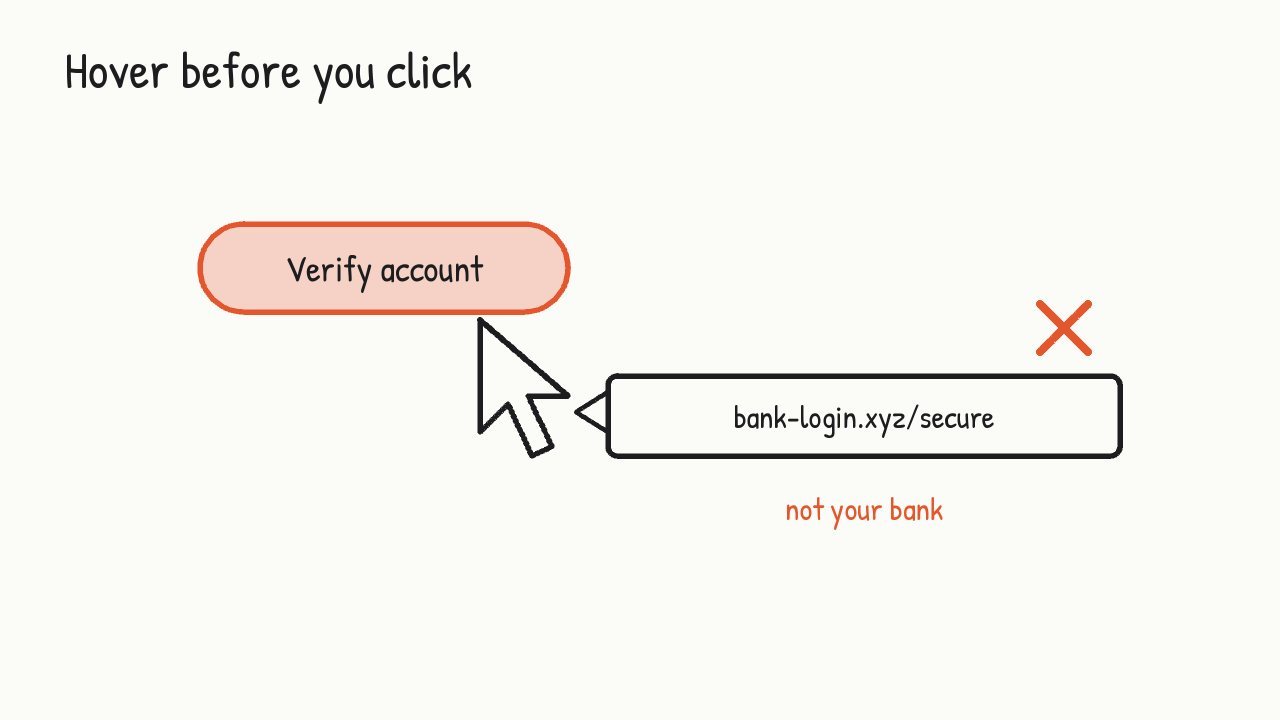
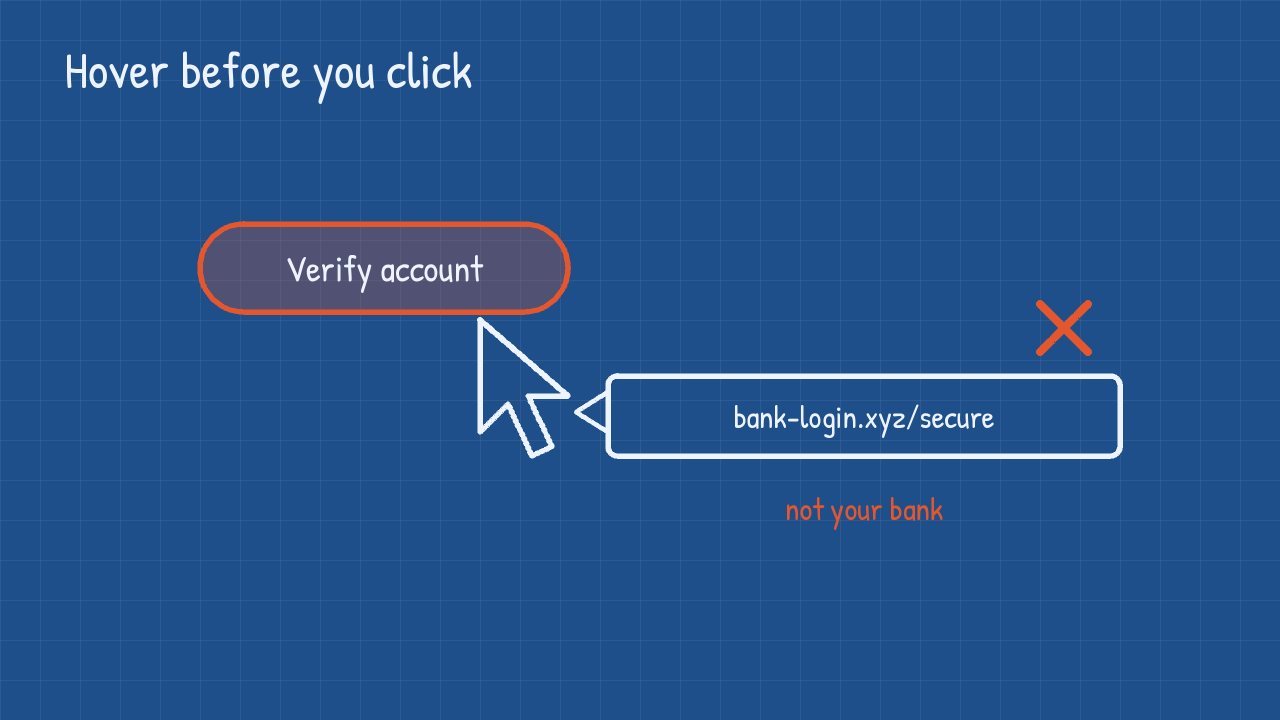
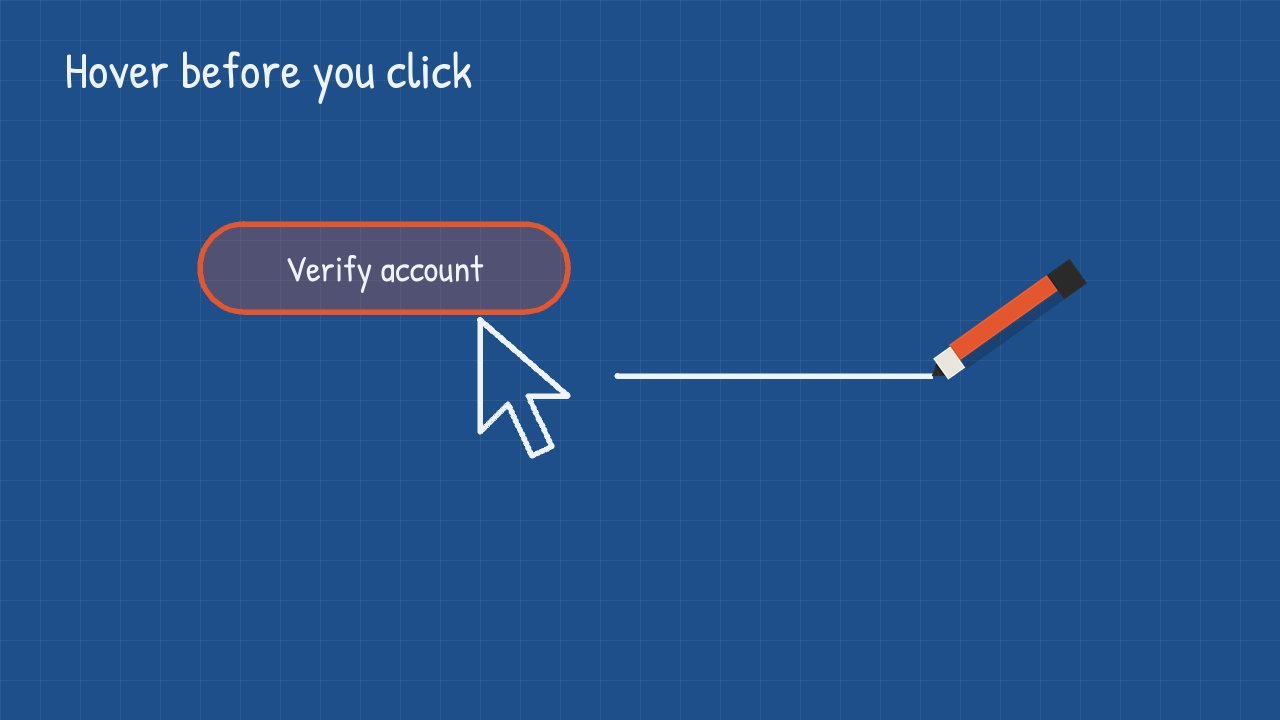
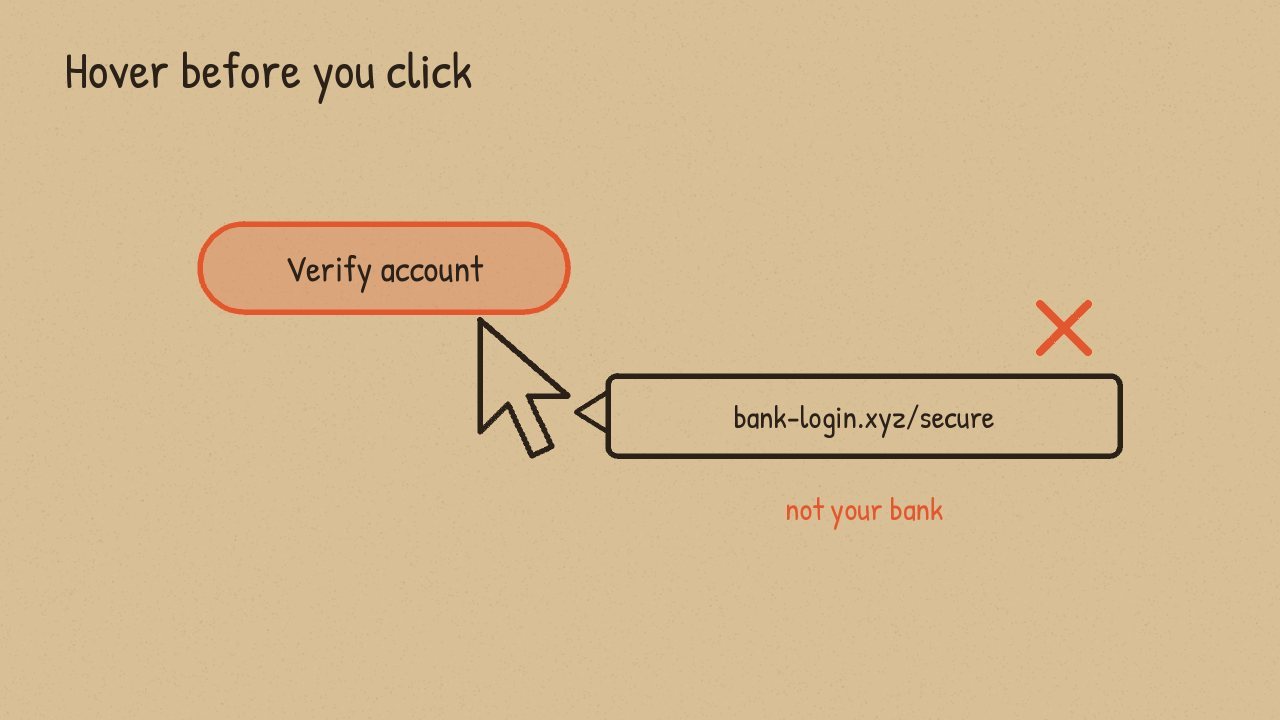
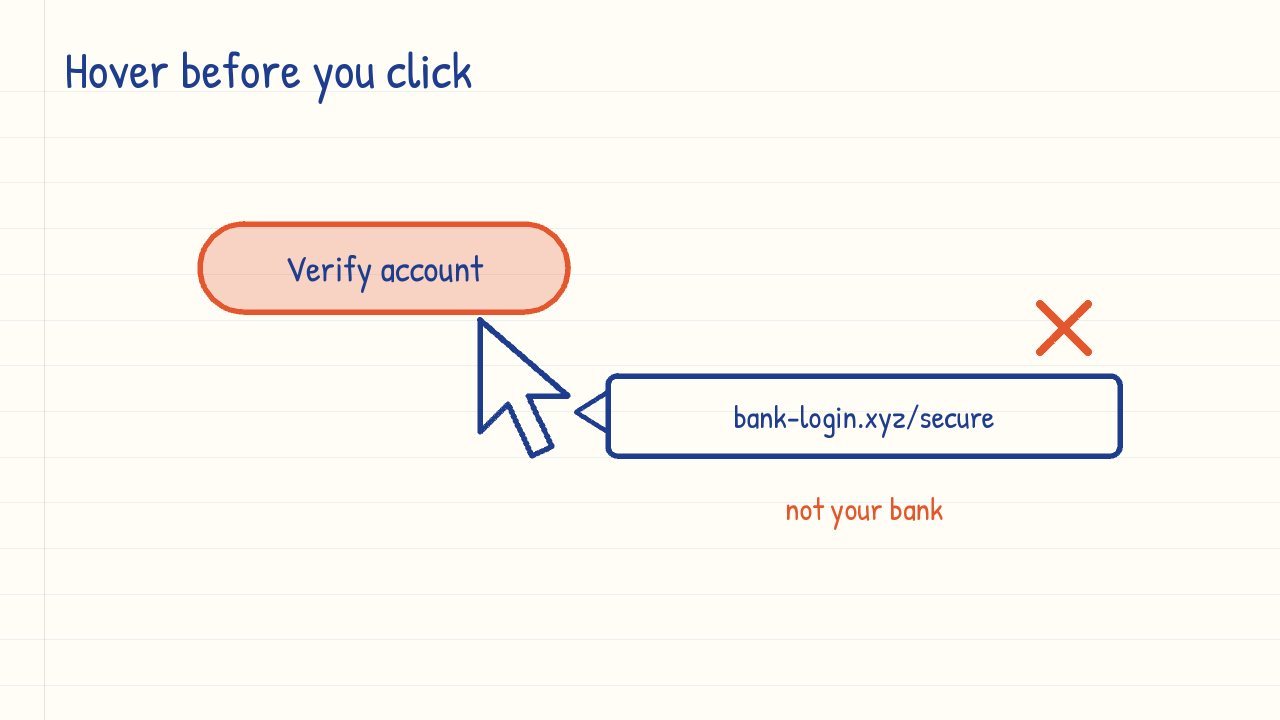
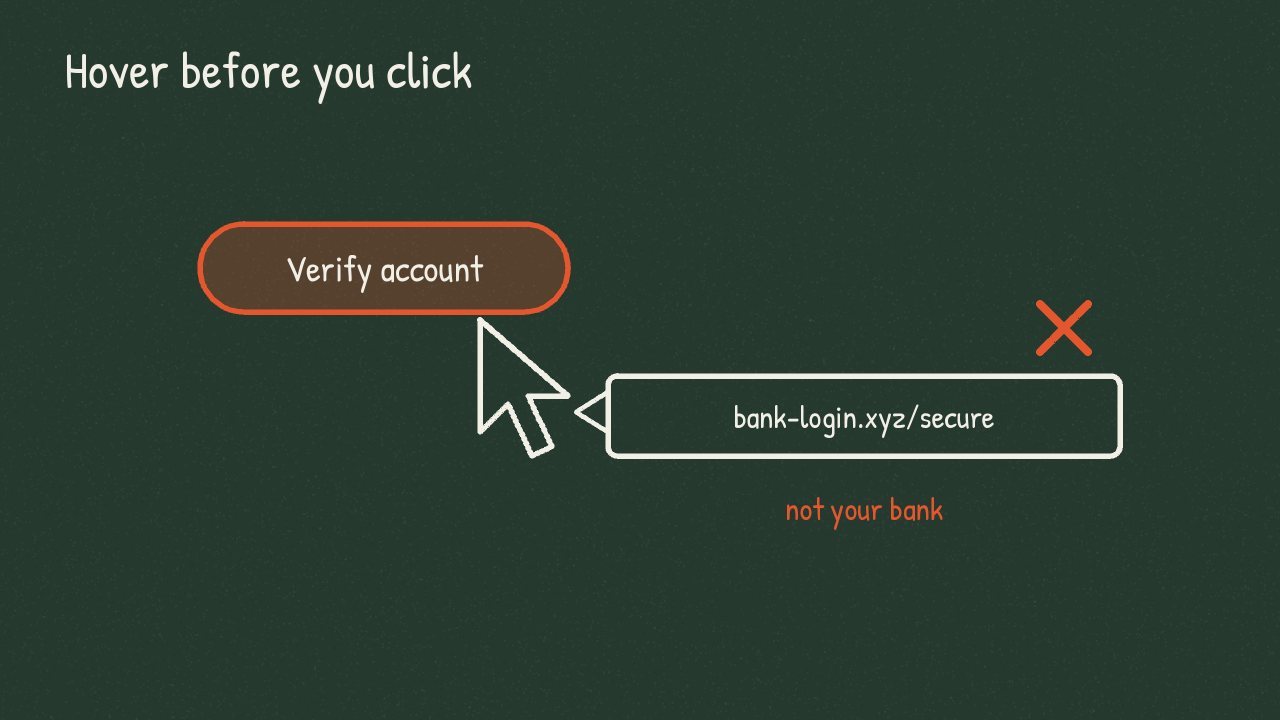
Before you click a link, hover over it and read where it really goes. If the button says your bank but the address says something else, delete the email.
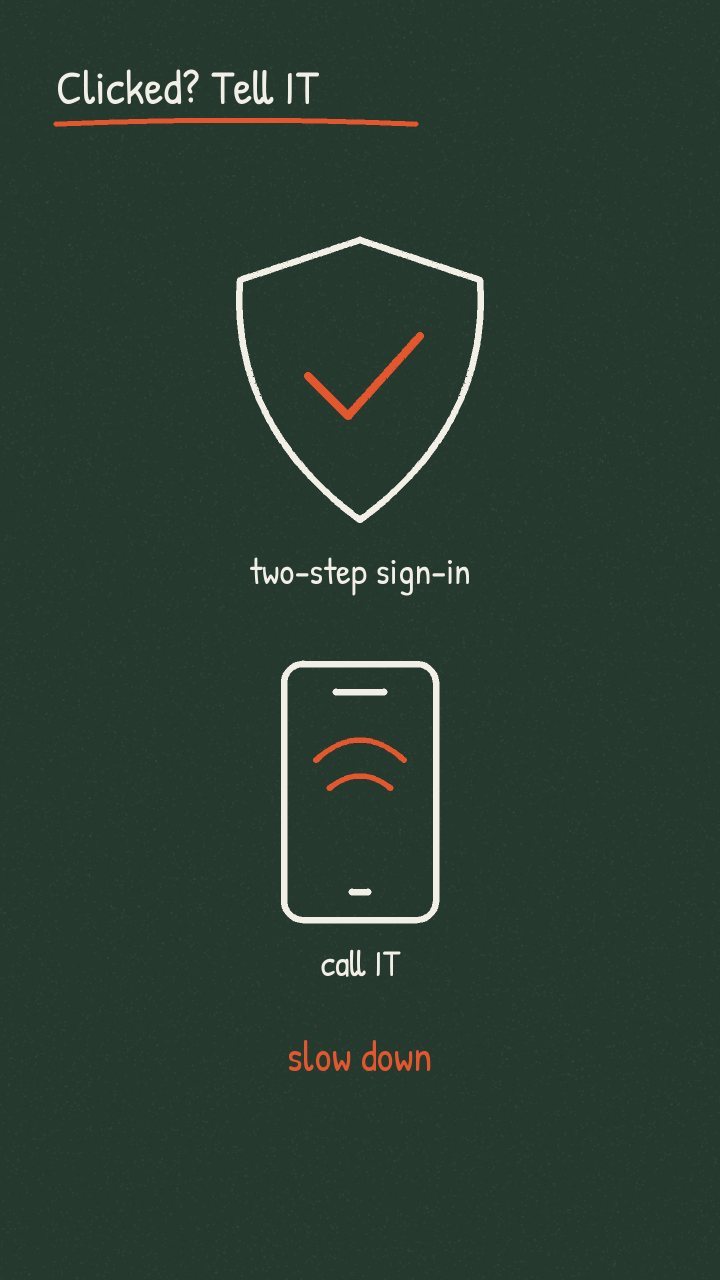
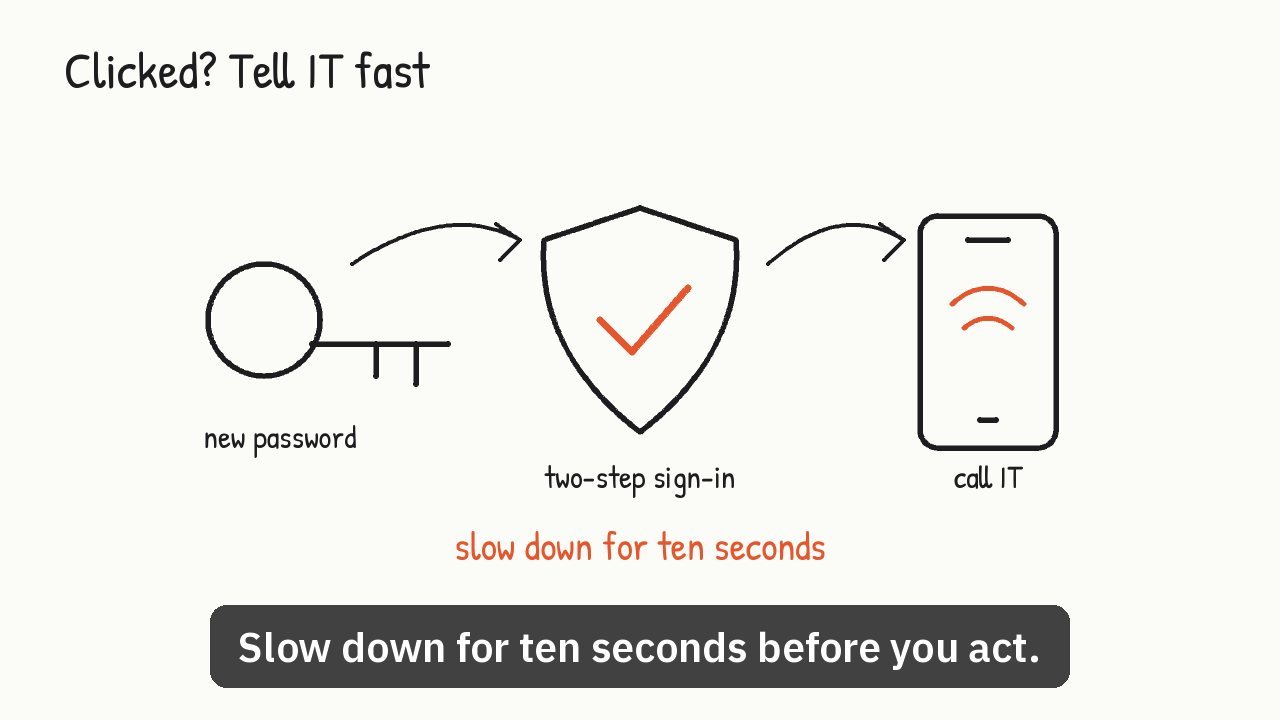
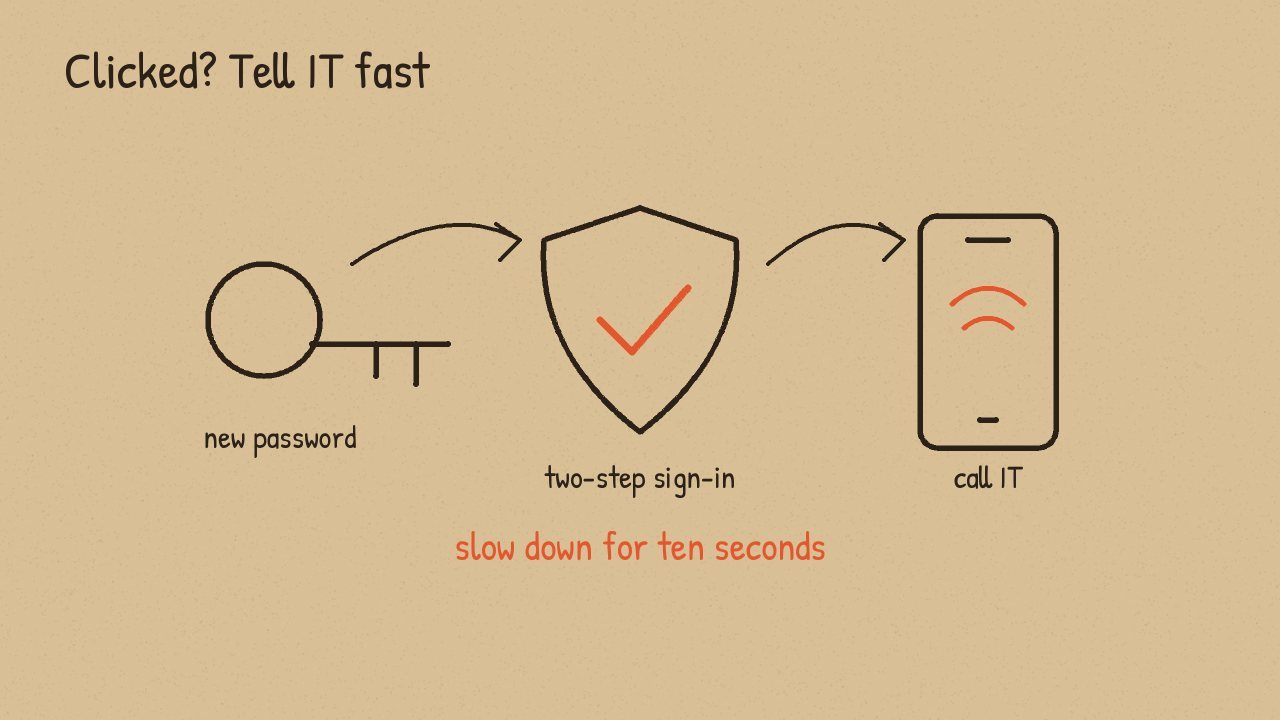
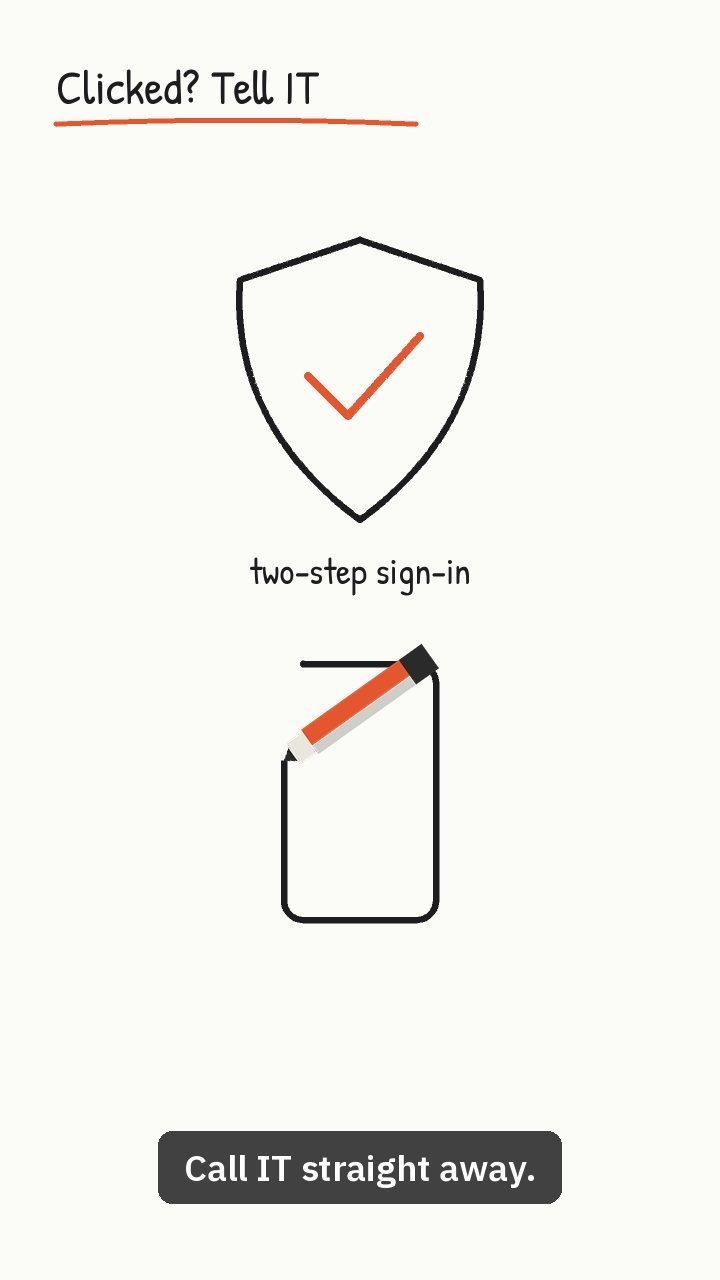
If you did click, don't hide it. Change your password, turn on two-step sign-in, and call IT straight away. A quick report turns a disaster into a small fix. So slow down for ten seconds before you act.
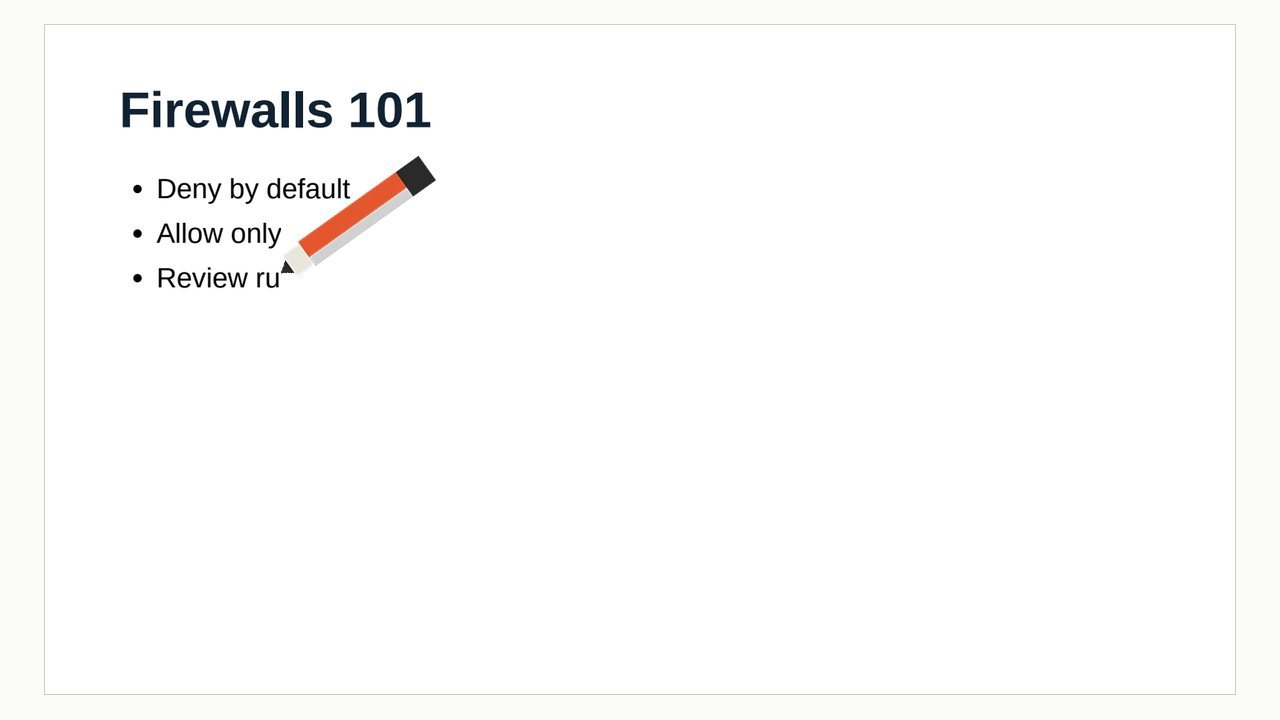
Deny by default, allow only what the business needs, and review your rules every quarter.
Test rules left open, no logging, and default admin passwords: the three gaps attackers check first.
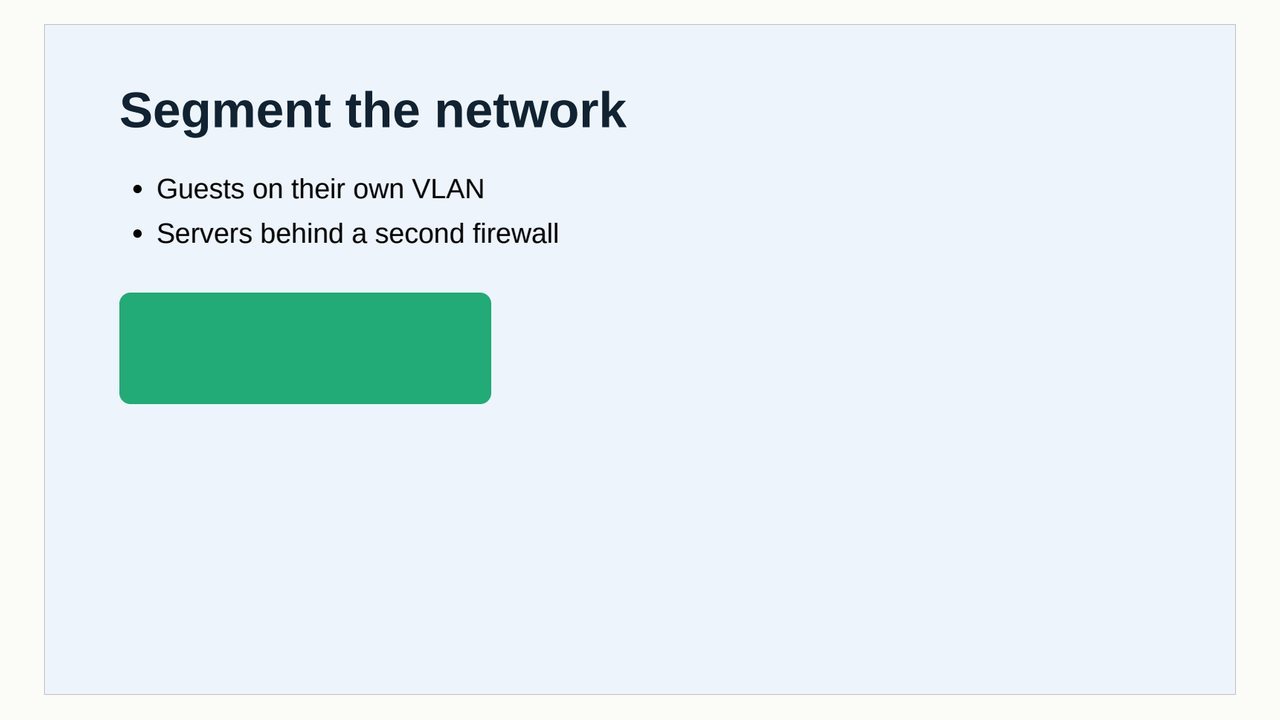
Guests get their own network, and servers sit behind a second firewall, so one breach stays small.
The first five scenes are the 62-second phishing-awareness sample, made from one page of notes. The last three come from a slide deck turned into a video with its own pages.
Whiteboard, chalkboard, blueprint, notebook paper or kraft. Try them on scene 4.
One scene per slide, in order, built on your speaker notes. Or one video that covers the whole document.
Use a PDF's own pages as the visuals. Each one appears line by line while the narrator explains it.
Big, readable captions timed to the voice, so the video works with the sound off.
A standard MP4 with the right length in the file, so Instagram and WhatsApp play all of it.
| Length | 1:02 |
| Size | 1920 × 1080 |
| Video | H.264 |
| Audio | AAC |
| File | 2.1 MB |
Ask for 9:16 and every scene is drawn for a phone screen, captions included.
Works on any Claude plan with code execution switched on. Download the ZIP, upload it under Customize, Skills, and ask for your first video.
Use the lite version if Claude refuses the bigger upload. It fetches the same voice the first time it runs. Step-by-step install guideYes. There are no credits, no watermark and no sign-up. The skill runs on your own Claude account, so each video uses your plan's normal usage, the same as any other chat.
A Claude account on any plan, with code execution turned on in Settings. On Team and Enterprise plans an owner may need to allow skills first. Install it once on the web or desktop app, then use it anywhere you use Claude.
Your file stays inside your own Claude session. The skill sends nothing to us or anyone else. The only downloads are its tools from the Python package index and, in the lite version, the voice file once. You can open the ZIP and read every line before installing.
PDF (including scanned pages), PowerPoint .pptx, Word .docx, Markdown, plain text, or just a description of the video you want. For old .ppt or .doc files, save them in the newer format or as PDF first.
With a PDF, yes: ask Claude to use your pages and each one is revealed line by line in the video. With PowerPoint, save the deck as PDF first, then attach that.
Claude can write the script and captions in your language, including Yoruba, Igbo, Hausa, French and many more. The built-in voice speaks English, so videos in other languages come with captions and no narration for now.
Up to 60 slides or pages. Most videos run one to three minutes and take a few minutes to make.
Just ask in the same chat: "make scene 3 shorter", "switch to the chalkboard look", "make it vertical for Reels". Scenes you didn't change are reused, so small edits come back fast.